A LITTLE GRID. A BIG IMAGINATION.
Draw the
impossible.
Simple lines. Extraordinary things.
Your ideas, in a whole new dimension.
Made for iPhone & iPad
FIG. 01 / THE IMPOSSIBLE TRIANGLE++
INFINITE POSSIBILITIES
Yes, you can draw this.
6ways to see itAxonometric projections
12places to startEditable starter drawings
PNG + SVGmade to go placesImage & vector export
FROM “WHAT IF” TO “I MADE THIS.”
Small strokes.
Big possibilities.
Build a little world. Find a new pattern.
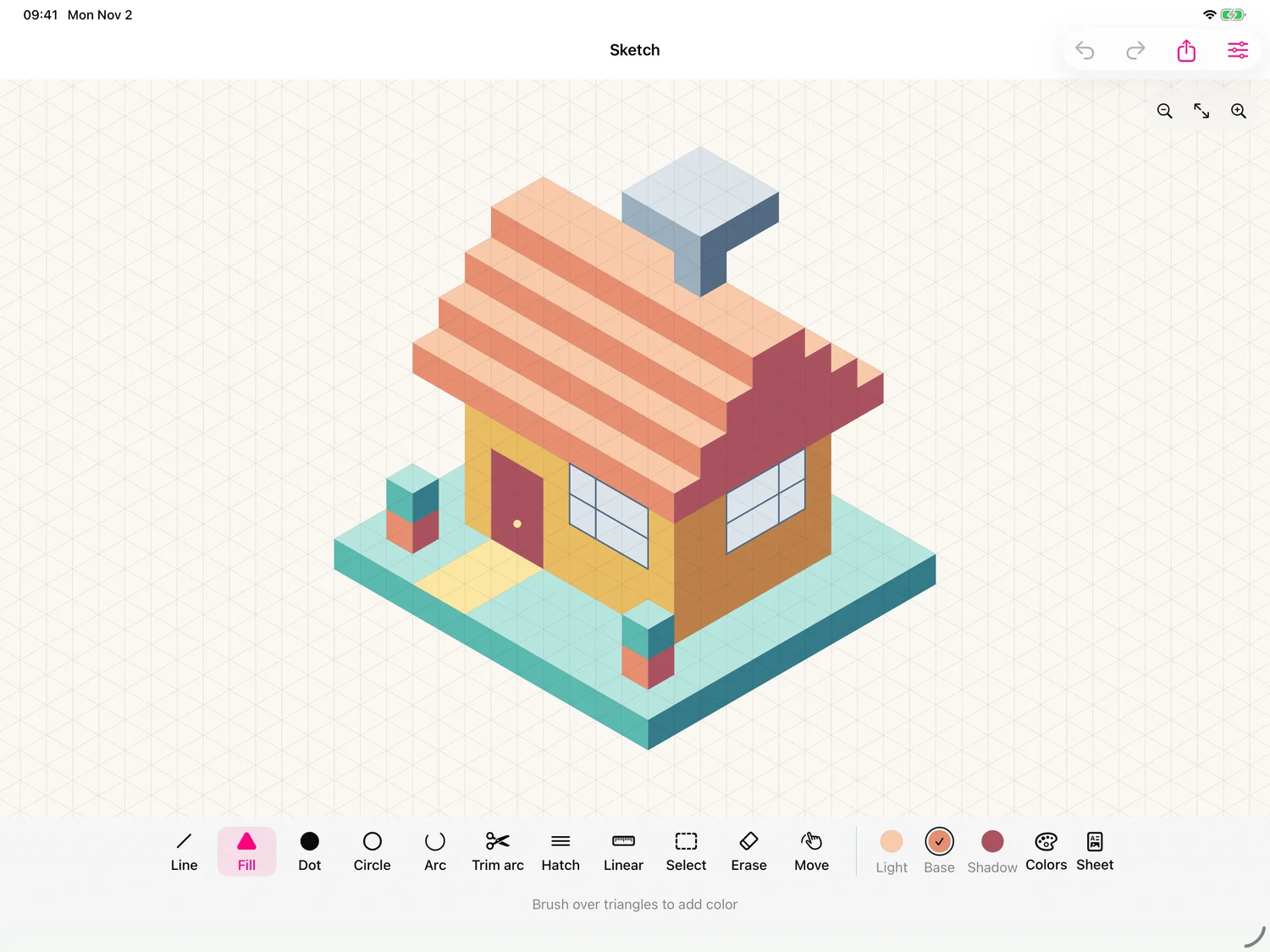
Start with an example. Make it your own.
A little house. A whole world of ideas.REAL DRAWINGS. REAL APP.
01 / FIND YOUR FLOWA playful side.
A precise side.
Go from free exploration to clean dimensions.
Circles, arcs, hatching. Every detail in place.
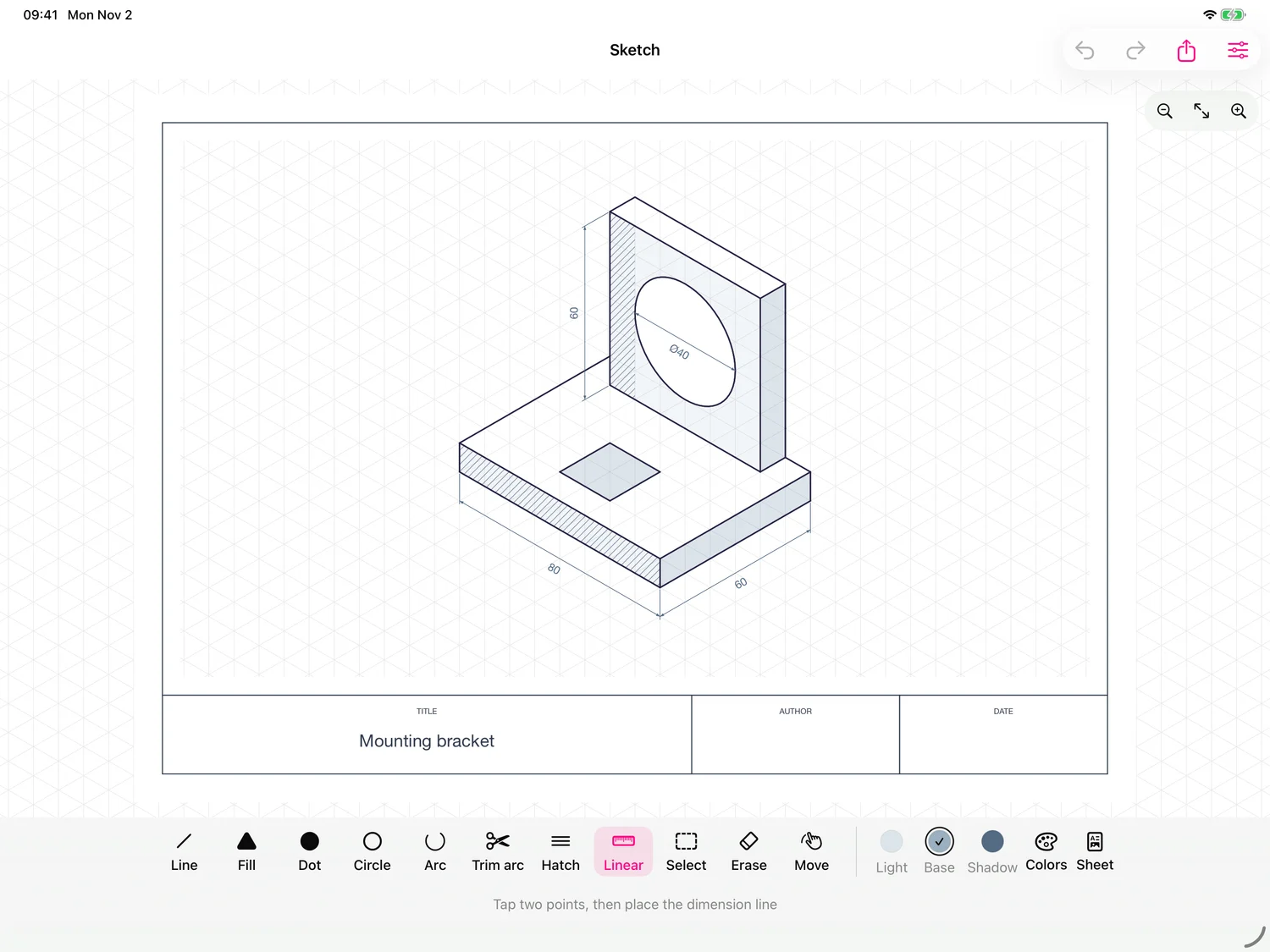 PRECISION, WITHOUT THE FRICTION
02 / GO BEYOND THE GRIDGive your ideas
some curves.
Mix planes, play with color, break the pattern.
Then take your work anywhere as PNG or SVG.
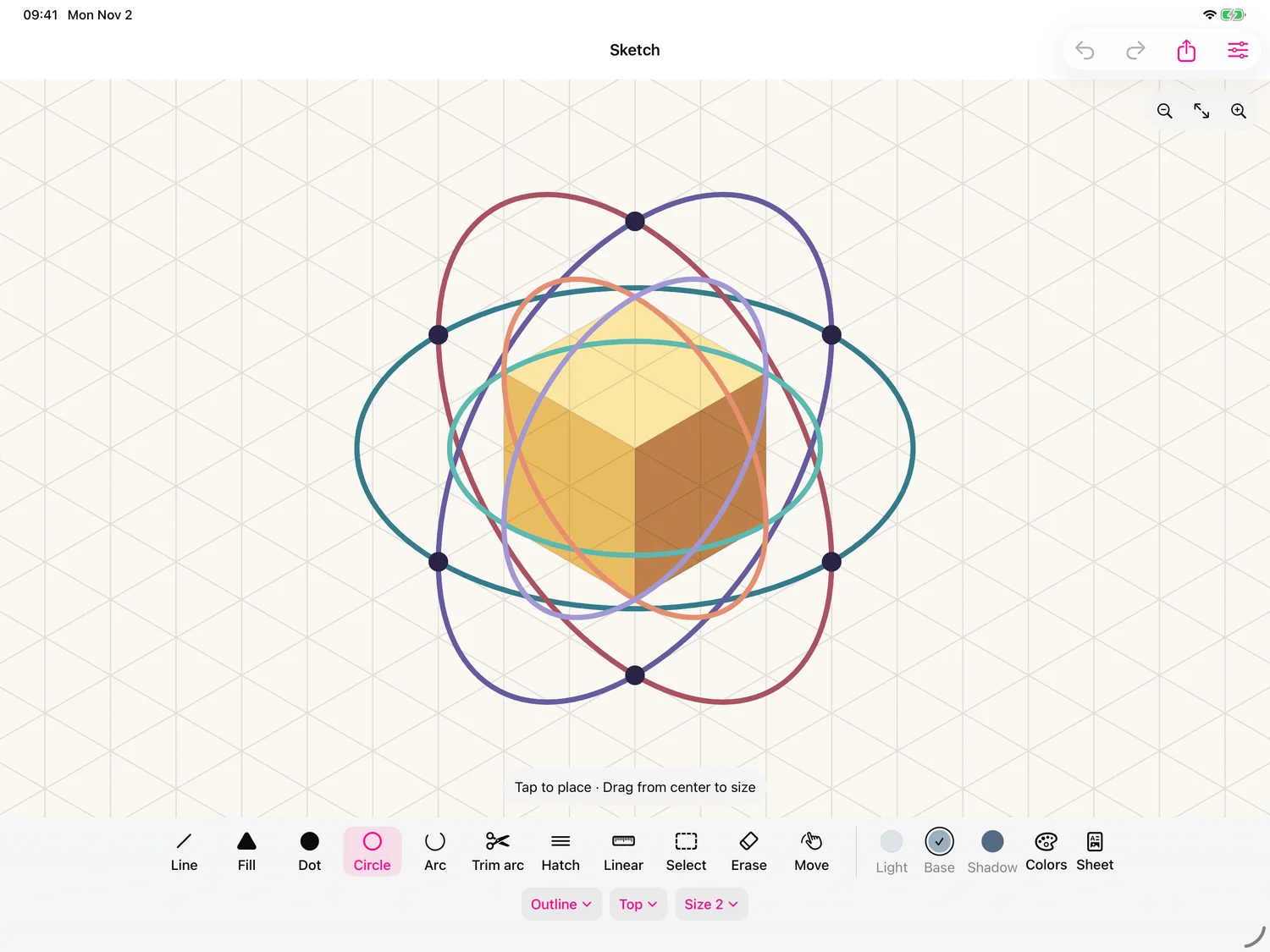 A NEW ANGLE ON YOUR IMAGINATION
LESS SETUP. MORE “LOOK WHAT I MADE.”
Your next idea
has dimension.
Start drawing ↗Available on the App Store for iPhone & iPad
Works offlineNo accountsNo ads. No tracking.