


Through sunlit meadows.

 FairytypingPlay. Type. Explore.
Get Fairytyping
FairytypingPlay. Type. Explore.
Get Fairytyping

A fairy tale at your fingertips
An illustrated typing adventure
for curious kids.
Help Kolobok roll away, one letter at a time.
Made for iPhone, iPad & Mac
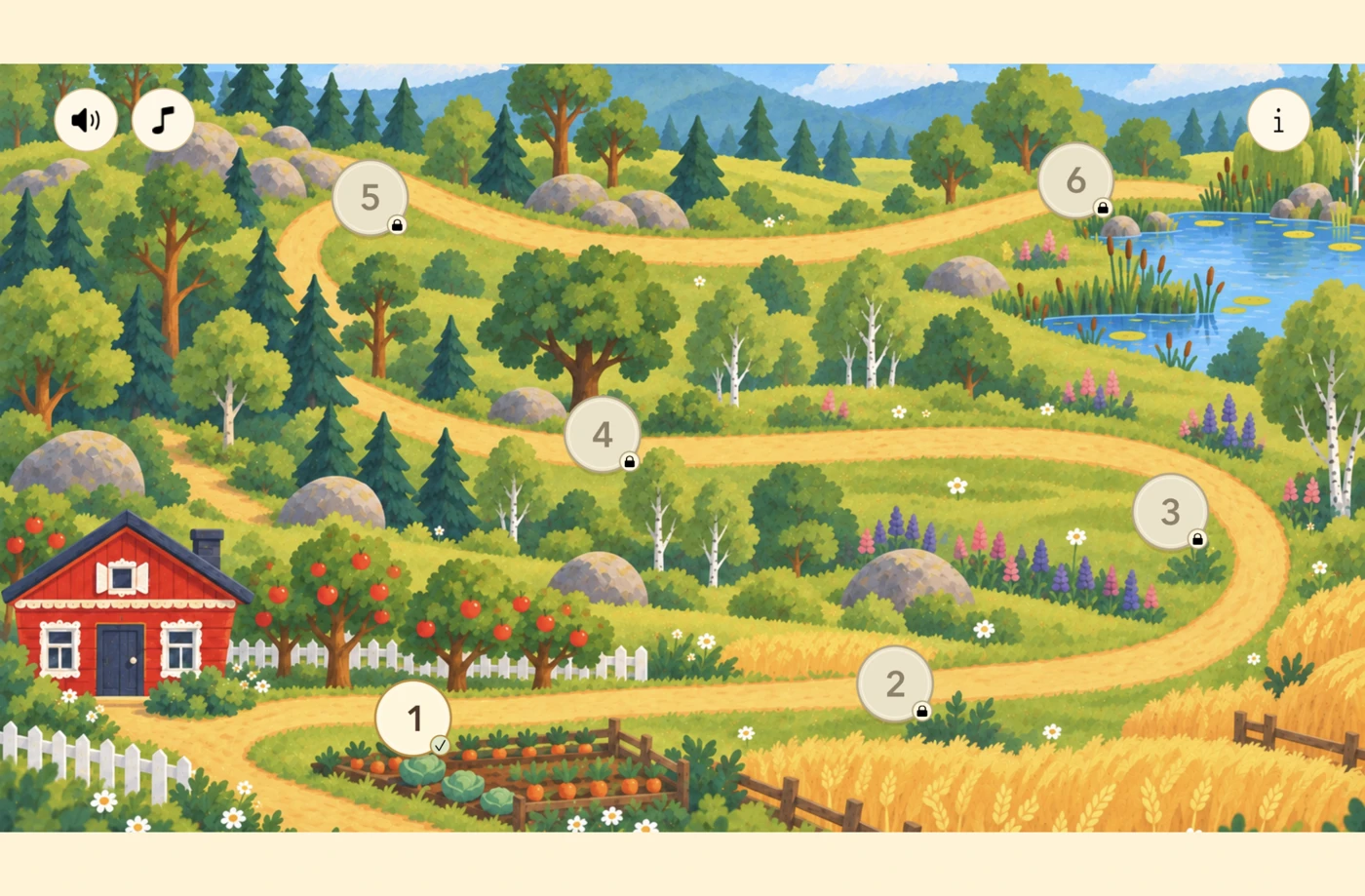
Six chapters. New keys, changing scenery and familiar fairy-tale faces.
 6 chapters
Six familiar faces
Start at the very beginning


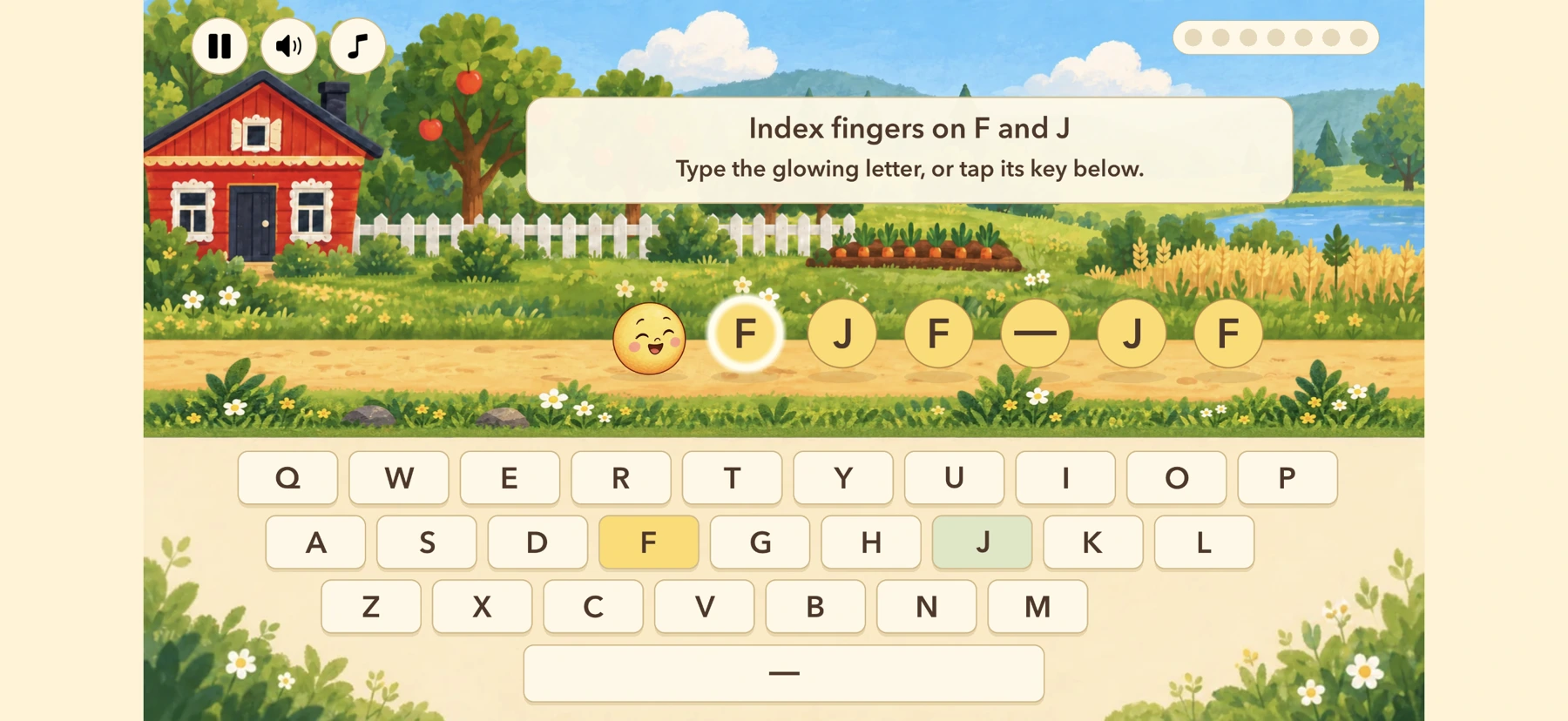
Follow the glowing key. Start with F, J and Space, then try a few new letters at a time.
Each correct key sends Kolobok rolling. Keep going to stay ahead of the character on his trail.
Discover new letter keys in small groups across 18 lessons, with practice along the way.
A little taste of the adventure
Try the first lesson in your browser.
No installation or account needed.
Chapter 1 · Fresh from the Oven
Place your index fingers on F and J.
Type the glowing letter to help Kolobok escape.
Use your keyboard or tap the keys on screen. Esc to pause. English keyboard layout.
Made for children. Thoughtfully.
No ads, accounts, tracking or third-party analytics.
Play unlocked lessons offline. Progress stays on each device.
Purchases, restoring access and external links sit behind a parental check.

Open a little world of possibility
Start with three free lessons. One purchase adds the next five chapters.
Try the browser demo while you wait.
Play the first lessonA few things you might wonder
Finding and pressing the highlighted keys on an English QWERTY keyboard. The lessons introduce all 26 letter keys. The app is in English.
Both work. Tap the on-screen keys, or practise on a physical keyboard with an English layout.
The first three app lessons are free. Full Access adds five more chapters, which open as earlier lessons are completed.
Yes, for unlocked lessons. Purchases and restoring access need internet. Progress stays on each device, without cloud sync.
Seven mistakes or getting caught ends an attempt. You can restart, or pause whenever you need a break.
Their next adventure starts with F.