
Lightbox Tracing Pad
Drawing utility for iPhone and iPad
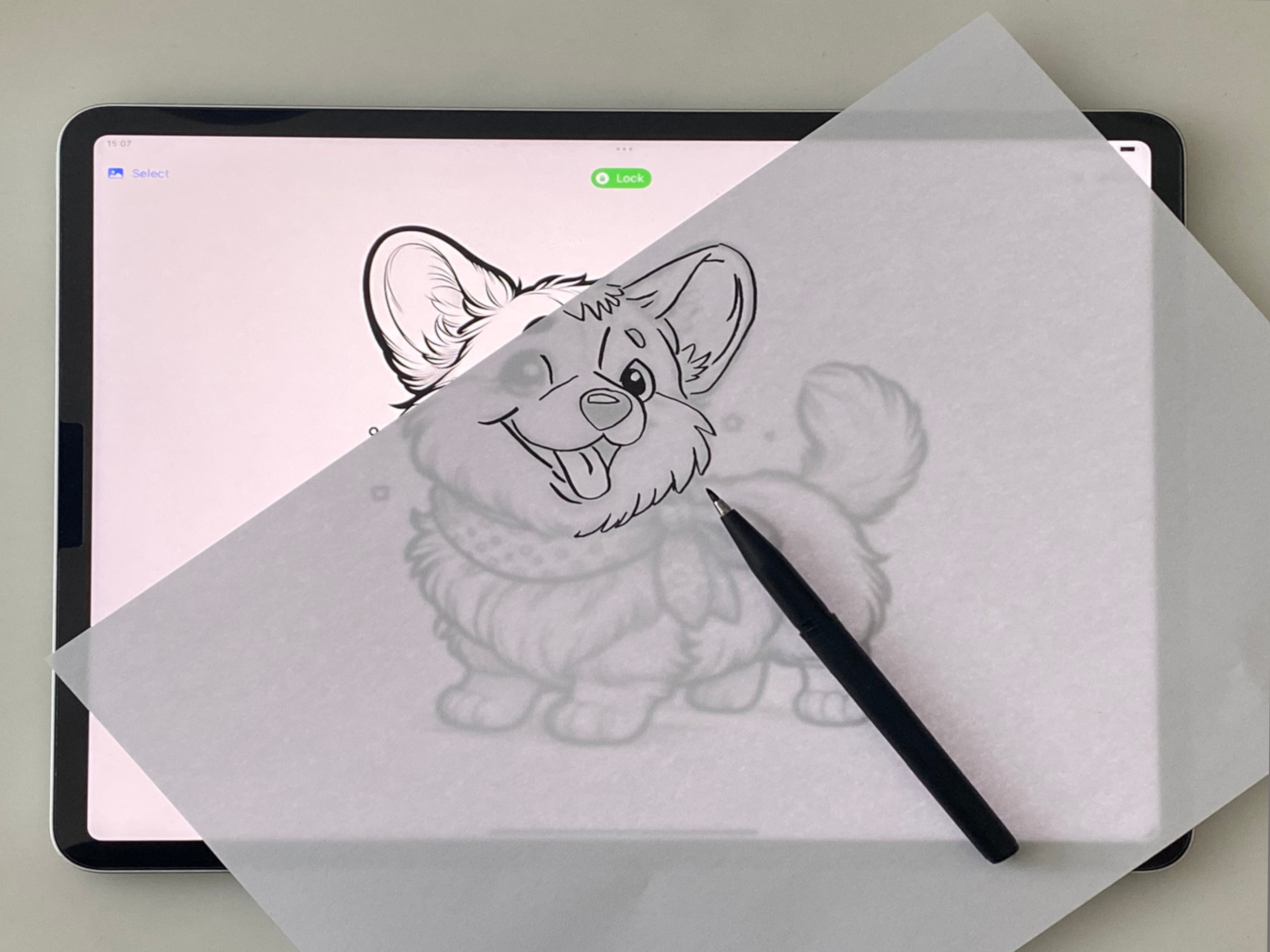
Turn your iPad or iPhone into a simple lightbox for tracing images on paper.
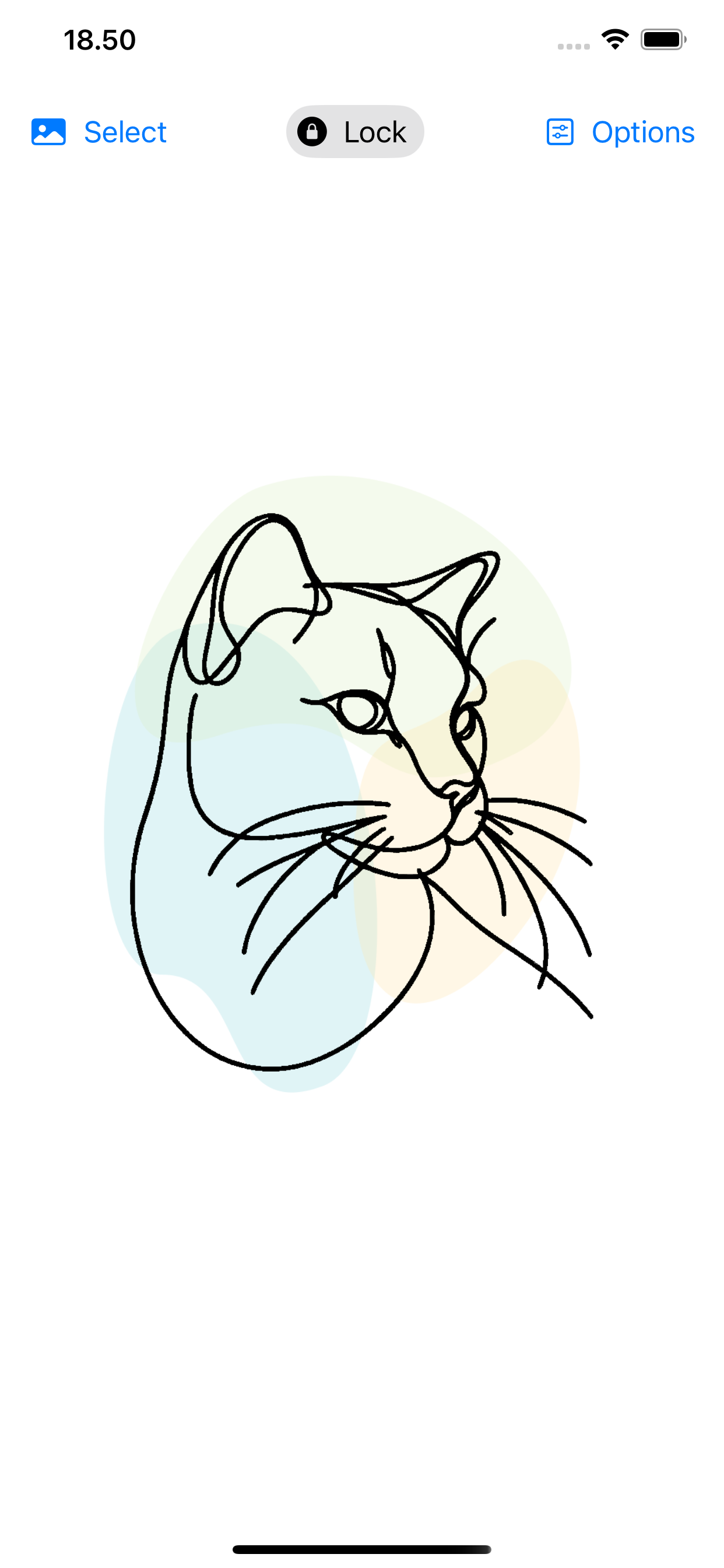
Import an image, adjust it for clearer tracing, lock the screen, place paper on top, and draw with a pencil or marker.

No account. No data collection. Just a focused tracing utility.
Problem
Sometimes you want to trace a sketch, reference photo, lettering sample, or small design without buying a separate lightbox.
Lightbox Tracing Pad gives you a clean, portable setup using the device you already have.
Who It Is For
Artists and hobbyists
Use reference images to practice outlines, proportions, lettering, and simple illustrations.
Parents and kids
Make drawing practice easier by tracing favorite shapes, characters, or learning materials on paper.
Tattoo and craft ideas
Prepare rough outlines, placement ideas, or handmade craft patterns before creating the final version.
Designers and makers
Quickly transfer a small visual idea from screen to paper without extra equipment.
How It Works
Features
- Import images quickly. Choose a reference image from your device and prepare it for tracing.
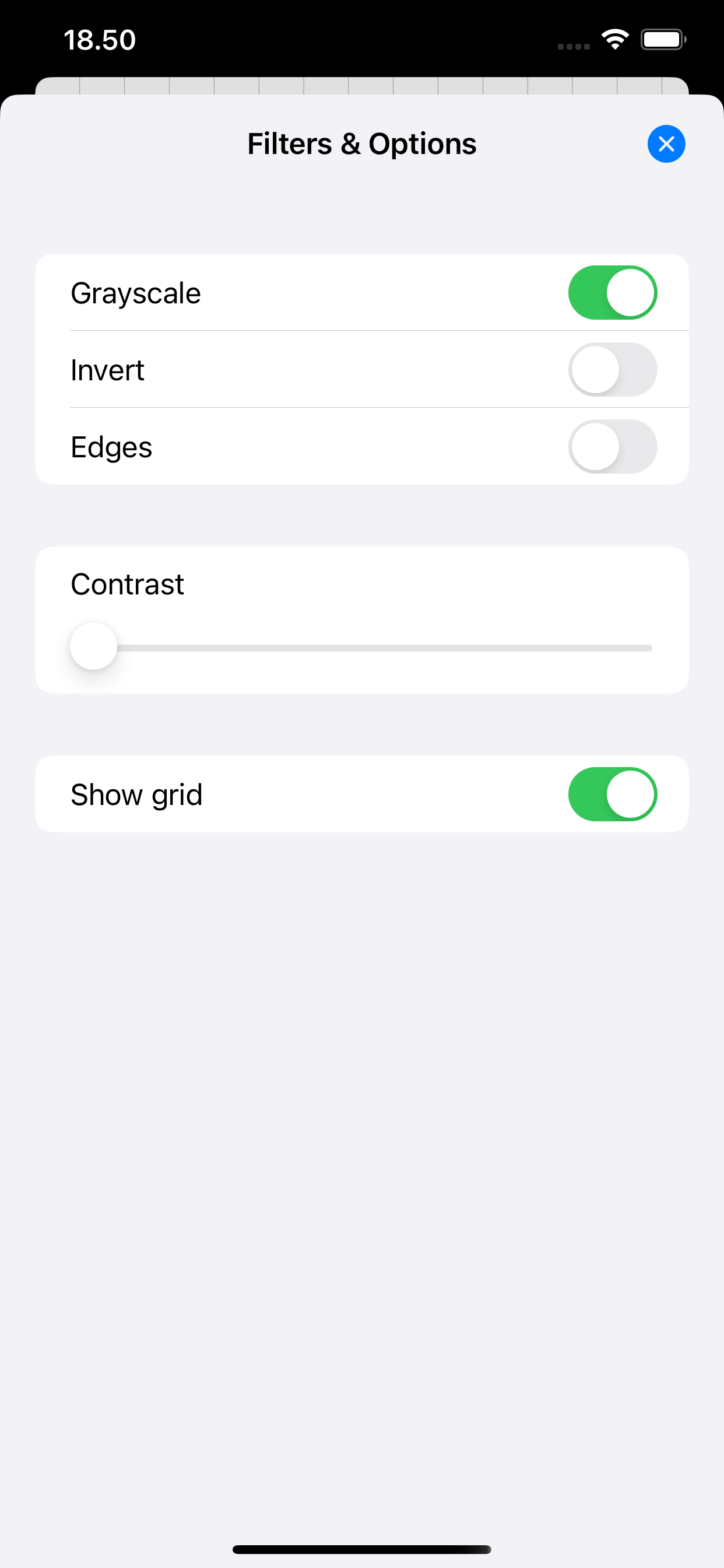
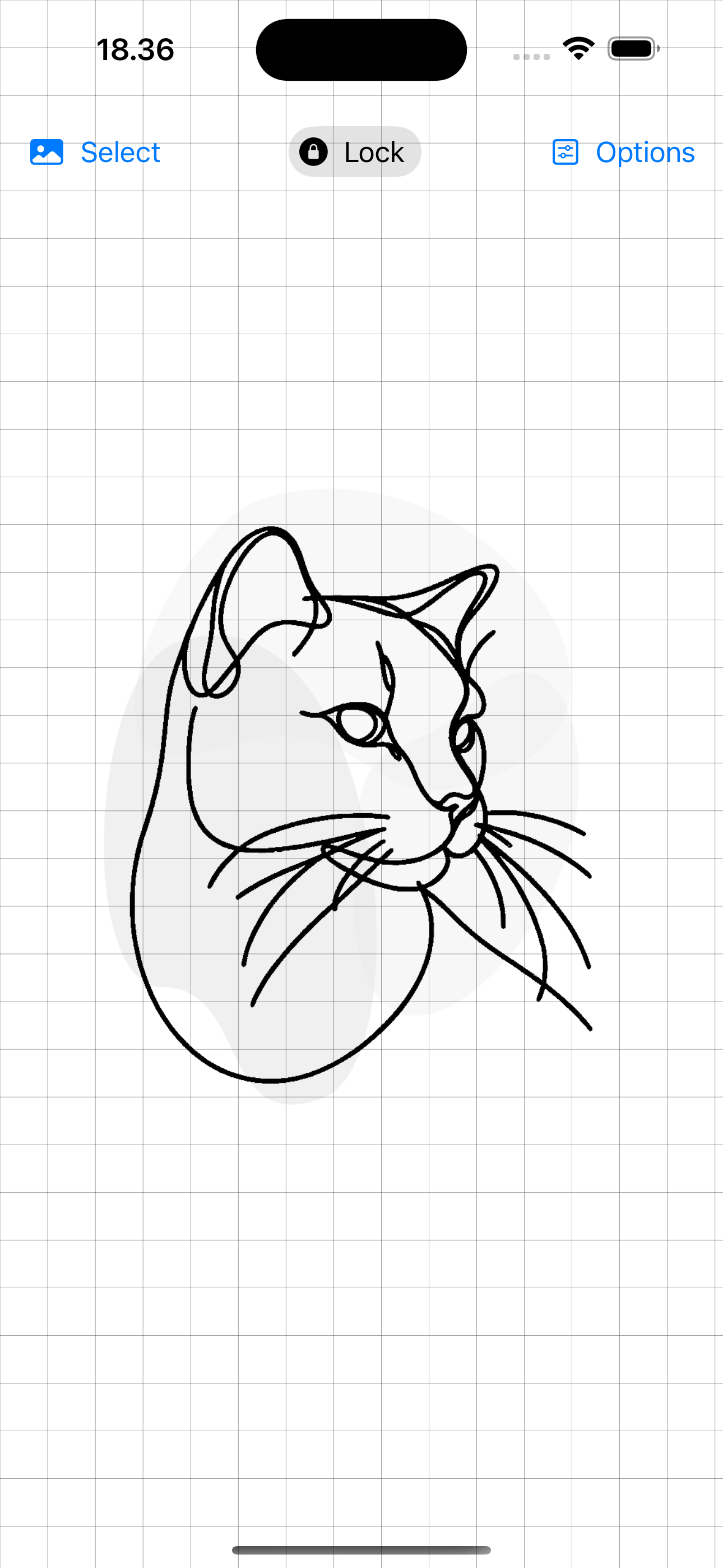
- Adjust for clearer lines. Use filters and adjustments to make the image easier to see through paper.
- Resize with touch. Pinch and position the image so it fits your project.
- Lock the screen while tracing. Prevent accidental taps from moving the image while you draw.
- Works on iPhone and iPad. Use a portable tracing setup wherever you draw, craft, or practice.
Privacy
Lightbox Tracing Pad does not collect data.
Your images stay on your device. The app is built as a small, focused utility without accounts or tracking.
Maker Note
I build small apps for focused real-world tasks. Lightbox Tracing Pad exists for the simple moment when you want to move an image from screen to paper without extra hardware.
Ready to trace your next idea?